What Is This Power Tool? Identify Any Power Tool From a Photo
Inherited a box of cordless tools, found a bare tool at a yard sale, or cannot place a loose attachment? Our AI names the power tool, points to the likely brand and battery platform from the body and color, and explains what it does.

- Free to try
- No sign-up
- Results in seconds
Take or upload a photo
AI identifies anything in seconds
1 free identification, no account needed
Power tools identify themselves through three things: the overall shape, the brand color, and the way they grip a bit or blade. A cordless drill, an impact driver, and a rotary hammer can look similar until you read the chuck and the controls. Add the battery foot and the livery and you can usually name both the tool and the system it belongs to.
Here are the power tools and accessories people most often need to place, especially loose tools and attachments separated from their kit. Scan yours to learn what it is and what it fits.
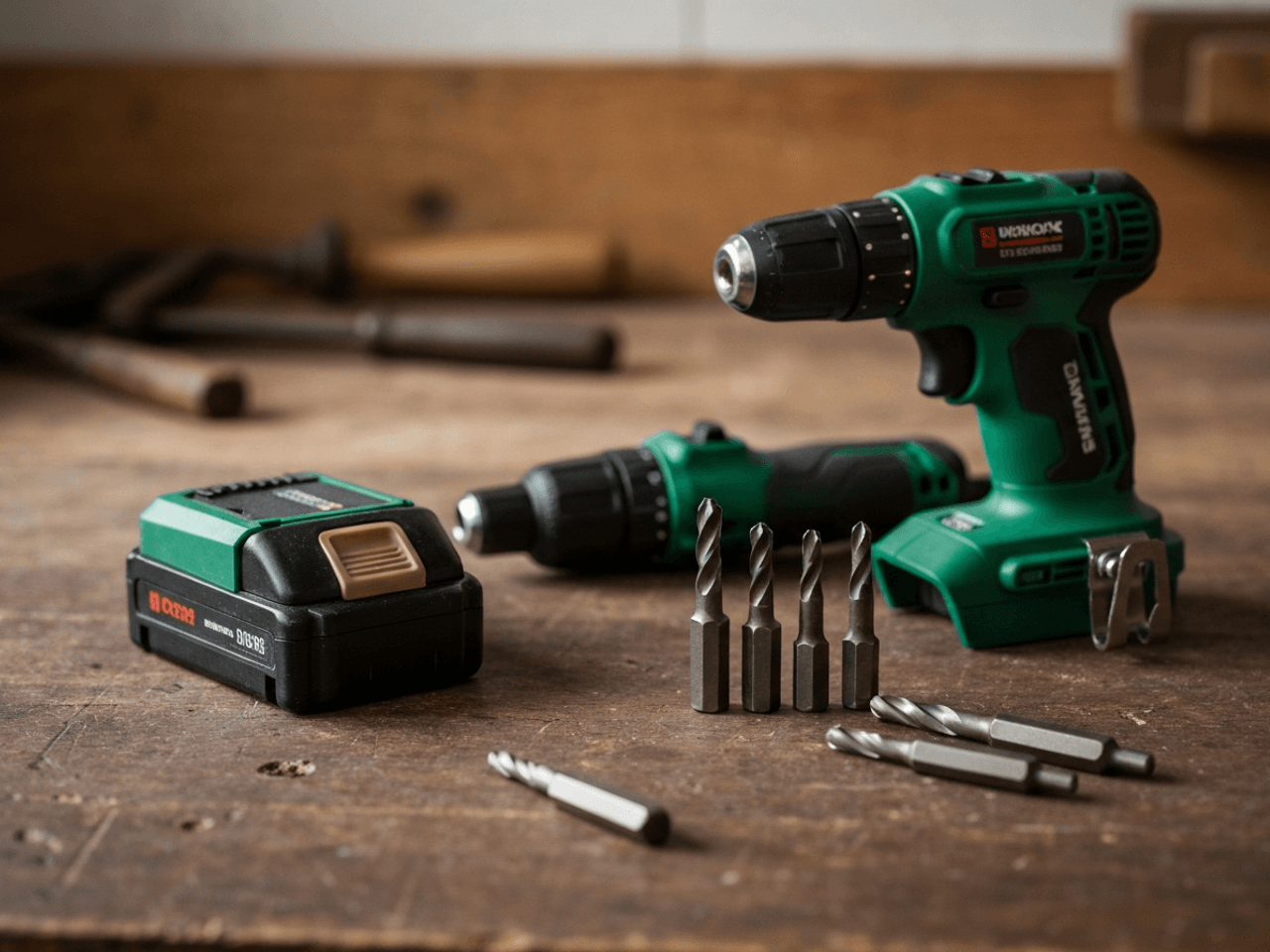
Common types of power tools
A quick reference to the ones people ask about most. Not sure which you have? Snap a photo above and let the AI name it.
Drills and drivers
Drill/drivers, impact drivers, and hammer drills. Similar bodies, different chucks and jobs. The mount tells them apart.
Grinders and cutters
Angle grinders and cut-off tools for metal and masonry, identified by the guarded disc and side handle.
Sanders
Orbital, random-orbit, and belt sanders. The pad shape and motion give away which is which.
Saws
Circular saws, jigsaws, reciprocating saws, and multi-tools, each with a distinct blade mount and guard.
Rotary and multi-tools
Small high-speed rotary tools and oscillating multi-tools with swappable accessories for cutting, sanding, and grinding.
Batteries and chargers
Loose packs and chargers whose platform you need to match before they are any use.
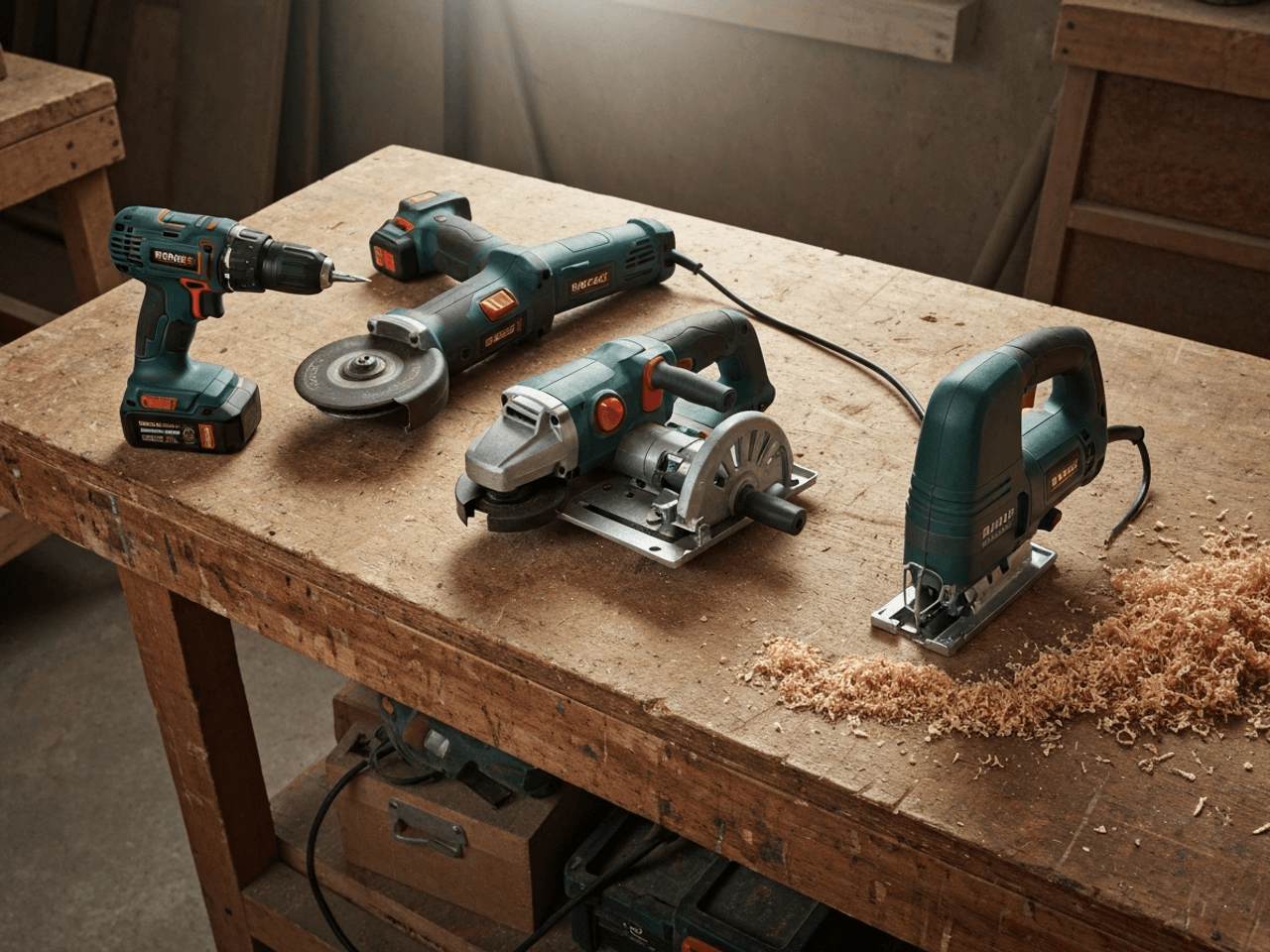
Why identifying power tools matters
A power tool you cannot name is a buying decision you cannot make. Knowing the type and battery platform tells you whether a loose tool fits the batteries you already own, whether an attachment matches your machine, and whether a yard-sale find is a bargain or dead weight.
What helps identify power tools
Body Shape and Function
Drill, driver, grinder, sander, saw, rotary tool. The silhouette and the business end reveal what the tool is built to do.
Brand Color and Livery
Teal DeWalt, blue Makita, red Milwaukee, green or blue Bosch. Manufacturers use consistent colors that identify brand at a glance.
Battery Platform
The foot and battery interface show which cordless system a tool belongs to, which decides what packs it takes.
Chuck, Collet, or Blade Mount
How the tool grips its bit or blade separates drills from impact drivers, and helps place loose attachments with the right machine.
Drill or impact driver?
This is the mix-up people run into most. A drill has a three-jaw keyless chuck that grips round and hex bits and a torque collar for fine control. An impact driver has a short body, a quick-release hex collet, and delivers rotational hammer blows for driving long screws and lag bolts. Same brand, similar size, very different jobs. The chuck is the tell, and the AI reads it from a clear photo.
Photo tips for the best identification
- 1Photograph the model or spec plate if there is one. Model numbers give an exact identification.
- 2Show the battery foot or cord and the tool's business end clearly.
- 3For a loose attachment, capture the mount or shank that connects it to a machine.
- 4Include the brand color in frame. It narrows the maker fast even without a visible logo.
Frequently asked questions
What is this power tool used for?
Snap a photo and the AI names the tool and explains its job, whether it is an impact driver for fasteners, an angle grinder for cutting and grinding, an orbital sander, or an oscillating multi-tool.
Can it tell me the brand from the color?
Usually. Power tool makers stick to consistent liveries, so teal, blue, red, or green bodies point strongly to a specific brand even when the logo is worn or missing.
Will it identify a loose battery or attachment?
Yes. Photograph the mount, shank, or battery foot and the AI matches it to the tool platform it belongs to so you know what it fits.
What if there is no model number?
The AI works from the body shape, controls, and color to name the tool type and likely brand, then notes how confident it is.
Identify power tools on the go
Get the What Is This app for unlimited scans, offline mode, and a history that syncs.
Related power tools identifiers
Tools identifier
Snap a photo of any tool and AI tells you what it is, what it's called, and what it's used for. Free identifier for hand tools, vintage tools, and hardware.
Vintage Tools identifier
Found an old tool and cannot name it? Snap a photo and AI identifies vintage and antique tools, the maker's mark, the era, and whether it is worth collecting.
Garden Tools identifier
Snap a photo and AI names garden and yard tools, from hand trowels to pruning tools and long-handled implements, and explains what each one is used for.